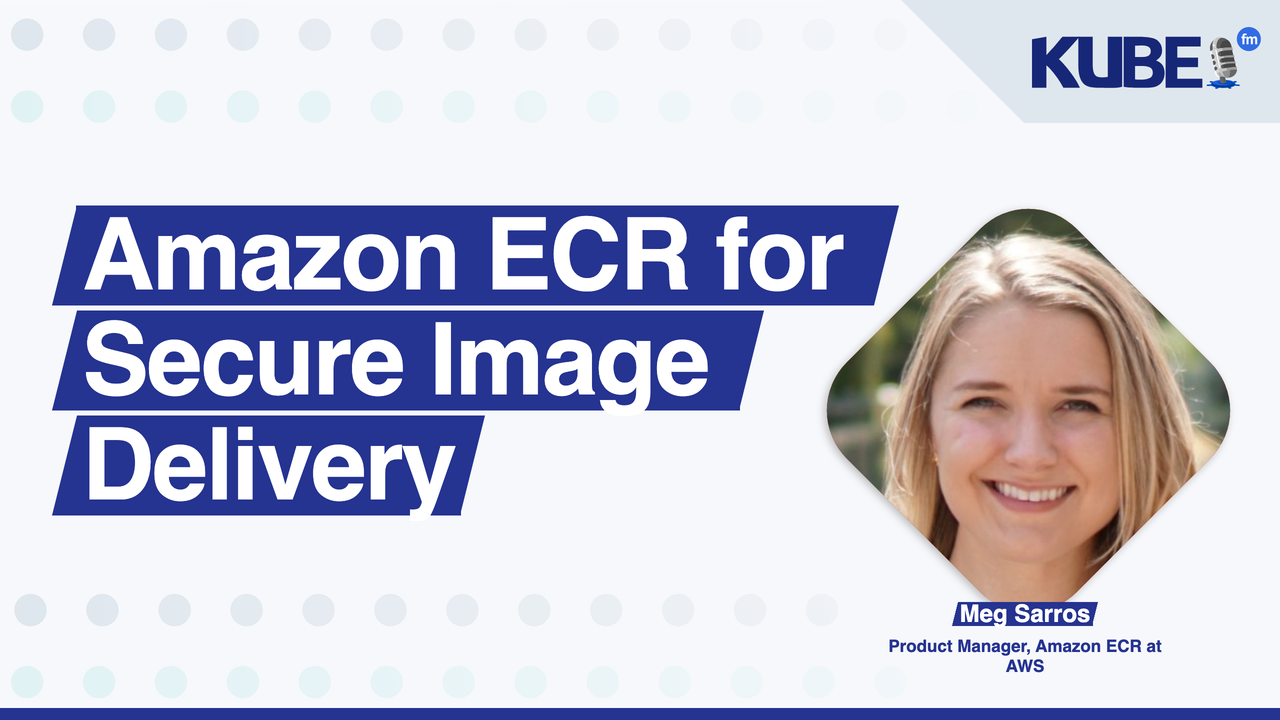
Bart Farrell: So first things first, who are you? What's your role and where do you work?
Meg Sarros: So my name is Meg. I'm a product manager for Amazon Elastic Container Registry, otherwise known as Amazon ECR. And we are the managed container registry service for AWS, focused on making the experience for storing, sharing, and securing your container images as seamless and frictionless as possible.
Bart Farrell: So when teams start using containers, what role does the container registry play in their overall workflow?
Meg Sarros: Totally. So a container registry is a critical piece of infrastructure sitting at the center of your entire CI/CD pipeline. So when you think about your CI/CD pipeline, it typically starts with a developer building or coding their application. Then they build their image. They push that image to a central location so that it can easily be pulled at deployment time. So that central location is the registry itself. And that's where Amazon ECR sits. Many people think that this really is just storage, but it's actually a lot more than that. And we like to think of it almost like a control plane for governance. With Amazon ECR, not only can you store your image, but you can rest assured that it's secure with encryption. You can control access as to who and what can push and pull with IAM policies. You can also audit every action using CloudTrail.
Bart Farrell: In what scenarios would teams want to publish container images publicly? And how is that different from using a private registry?
Meg Sarros: Totally. So public and private registries serve distinct but complementary purposes. You would want to publish to a public registry if you're more concerned about distribution and discoverability. So with a public registry, you might be an open source project maintainer, an ISV that is trying to distribute your software, or maybe a base image provider just trying to get discovered. ECR public, this is exactly why we delivered ECR public. Basically, it's a mechanism for customers and partners alike to go to one easy discovery layer at gallery.ecr.aws to discover what images are publicly available and regardless if you have an AWS account or not you can pull those images easily. Now when you look at private registries the purpose shifts just a bit. It's much more about control, governance, and security. So with ECR private, you get the capability of having encryption, IAM policies to control who can push and pull, as well as some neat managed capabilities such as signing and scanning. So you can verify and be sure that what you're running in your applications are trusted images. These use cases actually complement each other quite a bit, though. We'll typically see customers pull from public registries for their base images so that they don't need to maintain them themselves. And then later layer on top their actual application code and then pull that image at deployment time.
Bart Farrell: With growing concerns around software supply chain security, How do teams verify and trust the container images they're deploying?
Meg Sarros: We like to think about supply chain security and layers. Typically when you're using ECR, three key areas that you really want to keep in mind are scanning, signing, and then later enforcement. So you can be sure that the images that you're running are trusted. So with scanning, ECR makes this easy with two different tiers of scanning. We have basic and we have enhanced. With basic scanning, you can scan manually or scan on push. And we cover a broad set of OS packages. In contrast with enhanced scanning, you can not only scan on push, but also continuously whenever CVEs are reported. So you can rest assured that no matter what CVEs are out there in the wild, you know exactly which are impacting your applications. And not only does the enhanced scanning cover the broad set of OS packages, but it also does programming languages packages as well. So that's one layer. Another layer is signing. We offer managed signing with Amazon ECR, and this is in partnership with AWS Signer. Basically on push, you can sign your images and then later enforce them with admission controllers like Kyverno. And that would be the third layer. So we like to think about supply chain security with a defense in depth approach versus just bolting it on later after the fact.
Bart Farrell: What registry capabilities help organizations scale container operations efficiently as their image inventory grows?
Meg Sarros: So ECR offers a few capabilities that make it easy to scale your operations. First and foremost are lifecycle policies. You can clean up your stale images or images that are no longer necessary easily by using lifecycle policies such as when your image was pushed, whether or not your image was tagged, and now you can even create a lifecycle policy since image was pulled which is paired with archive especially, which leads me to my next point. If you are scaling your images greatly, but you want to retain your images for auditing and historical reasons, you can easily store those at a discounted tier now using Amazon ECR Archive tier. So this is basically, it's similar to standard storage, but it's offered at a discounted rate. Another thing that you can do to easily scale your operations is using cross-region and cross-account replication. So whenever you push an image to ECR, we will automatically manage that replication across those boundaries. So it's easy for you to stay in sync with whatever region or account. Another item worth mentioning is pull-through caches. So we offer a handful of pull-through caches for our registry, so you can easily stay in sync with upstream registries. And last but not least, repository creation templates. So maintain the settings that you would like to see across all the repositories created either through replication or pull-through cache. This could be for tag immutability. It could be for encryption. Or maybe repository policies, any setting that you'd like to set with your repositories, you can easily maintain across all repos created through pull-through cache, replication, create on push with a repository creation template. We make scaling very easy with ECR.
Bart Farrell: So what's next for you, Meg?
Meg Sarros: Personally, I'm really excited to be talking with practitioners here at KubeCon this week and learning how we can better serve their needs and make their experience with AWS even easier.
Bart Farrell: How can people get in touch with you?
Meg Sarros: You can find me in the halls of KubeCon. You can find me on LinkedIn. But probably the best way is contacting us through the Containers Roadmap on GitHub. We actively monitor those issues every single day. So if you see an issue that you really support and you'd like to see in Amazon ECR, upvote it, react with it. Or if you don't see what you need, feel free to open a new issue. We'll take a look at those too.